![[logo]](images/2011-IMG-001.jpg)



3D Modeling
![[bullet]](images/div.gif)
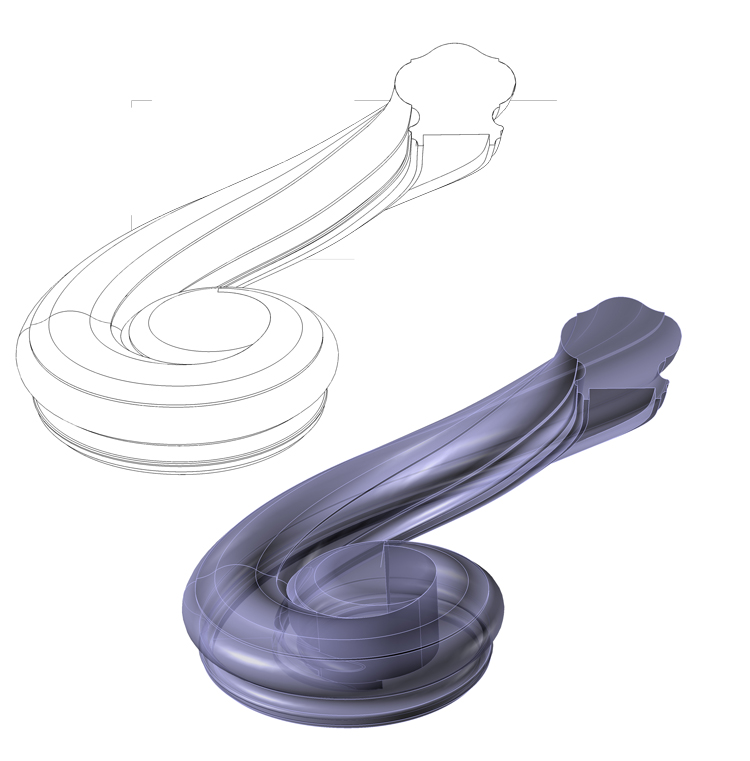
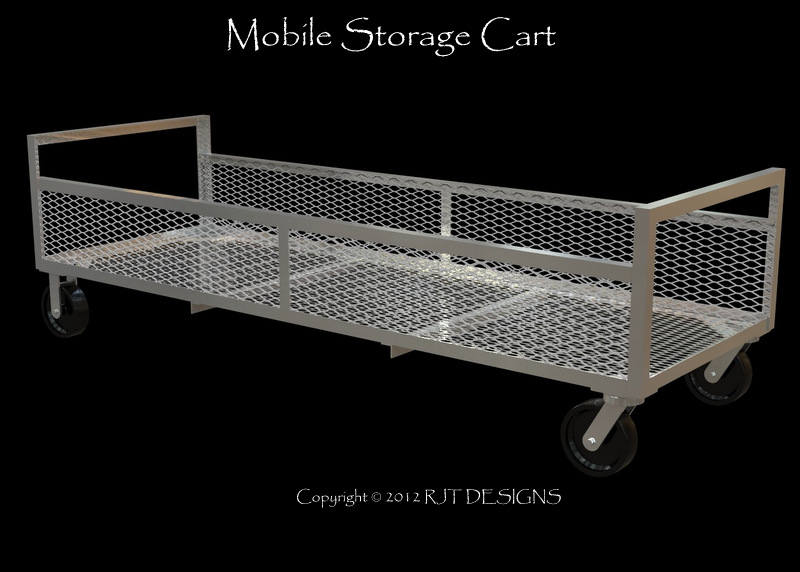
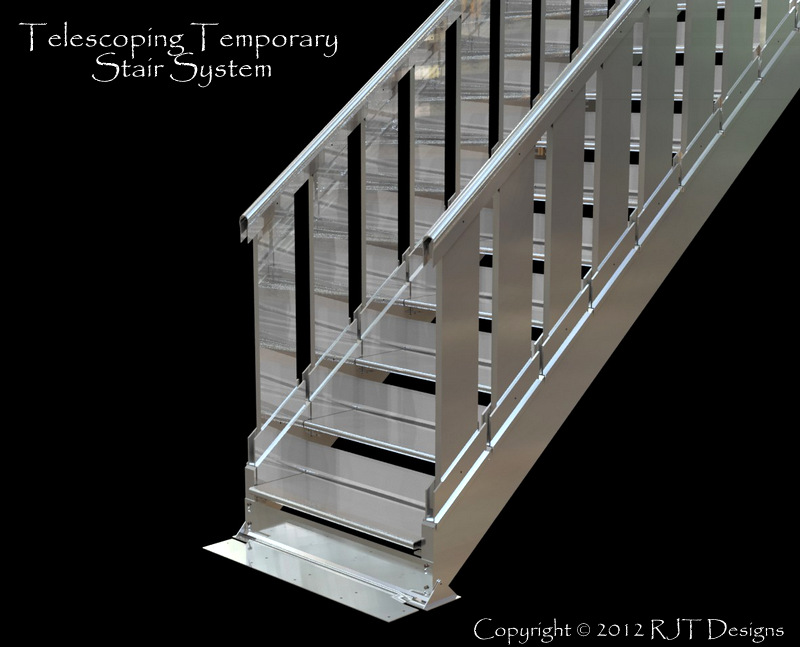
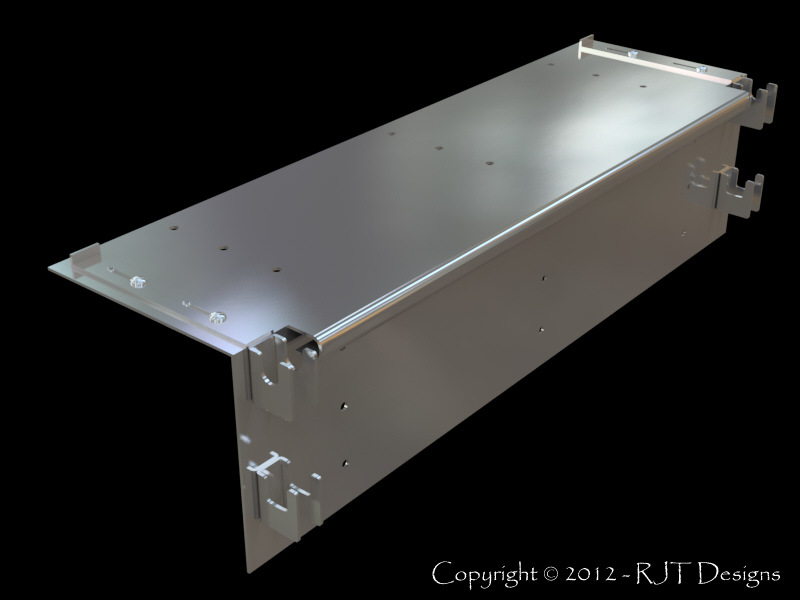
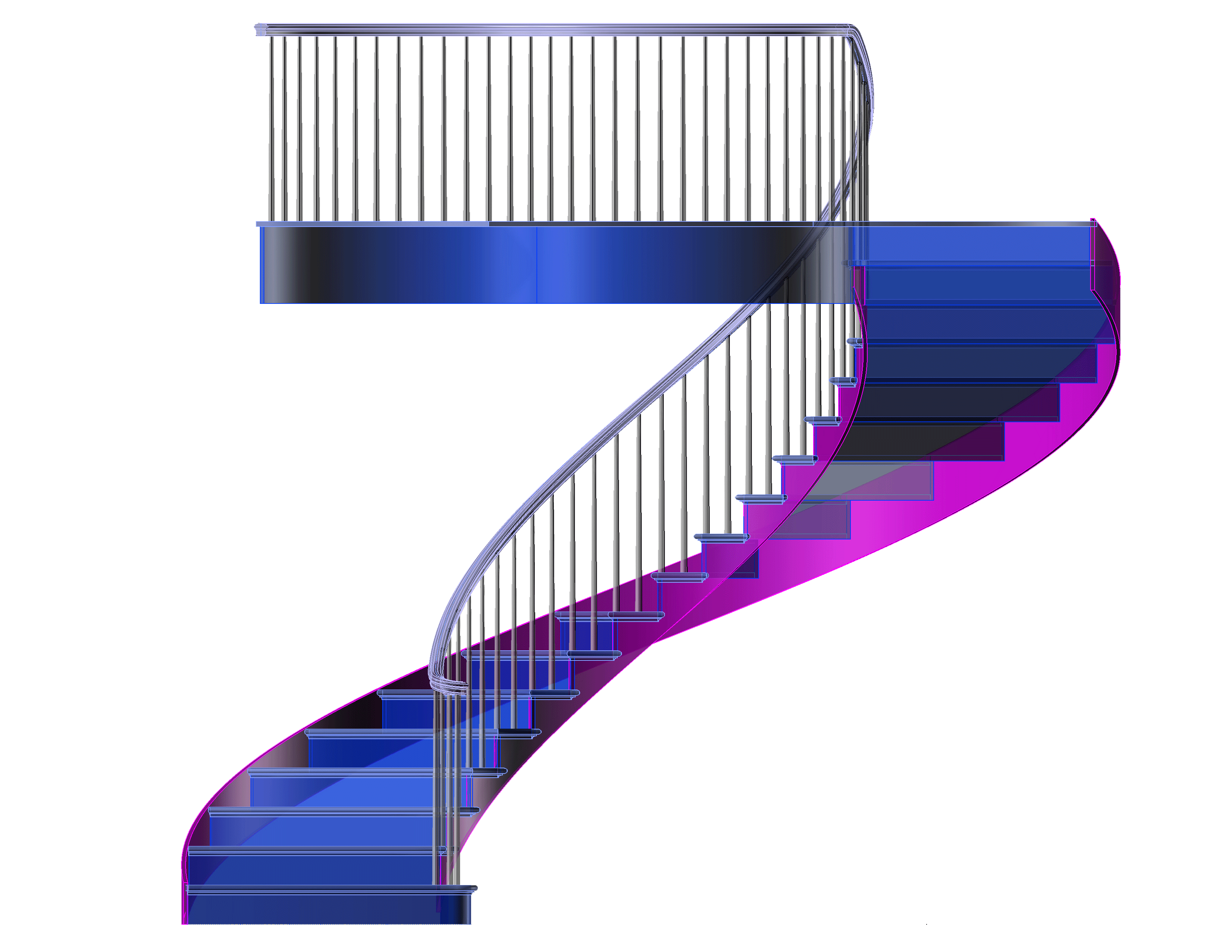
Creating drawings using 3D modeling has many benefits with one of the most important being accuracy. When a solid model is created you are in a sense "building" the project on the computer. Each part of the project is drawn and assembled. Once the model is created you can easily generate the elements needed to create your shop drawings. A huge time-saver because you don't have to draw each elevation or section separately - it is automatically pulled from the model.
Benefits of 3D models:
- Ensure Accuracy - the model is an exact replica of the project
- Ability to easily generate views to create shop drawings
- Ability to quickly generate sections, elevations and details
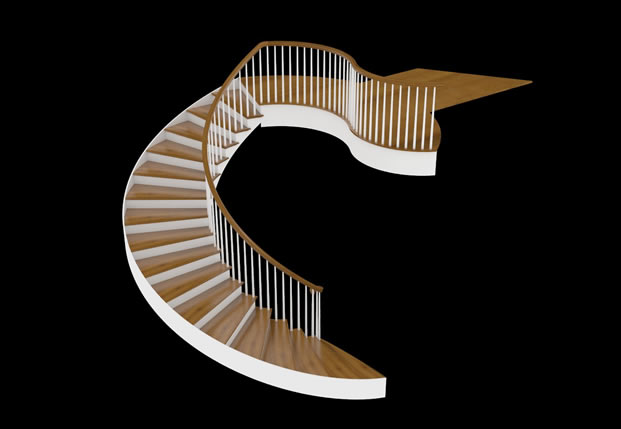
- Ability to create renderings and walk-through animations for presentations
- Ability to create 3D PDF's
- Able to export parts to manufacture on CNC
 |
 |
 |
 |
 |
 |
Copyright © 2024 - RJT Designs